
- Documentation
- Login
Documentation Quick Links
Login
Here are the steps to Login to the Aonflow application:
- Open your preferred web browser on your computer or device.
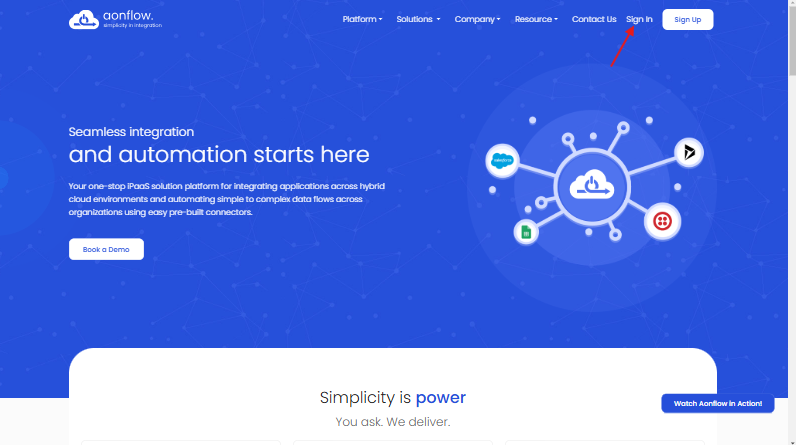
- In the address bar of your browser, enter the URL"https://app.aonflow.com" for the Aonflow application. Or you can navigate through the website "https://www.aonflow.com", where the Sign In option is on the Top right corner.
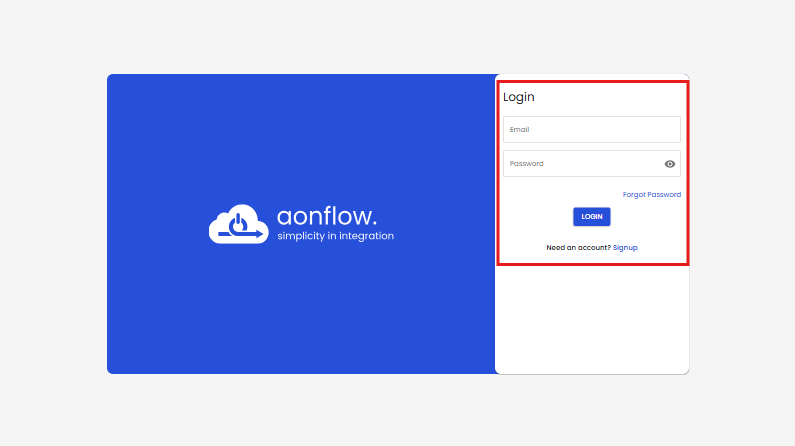
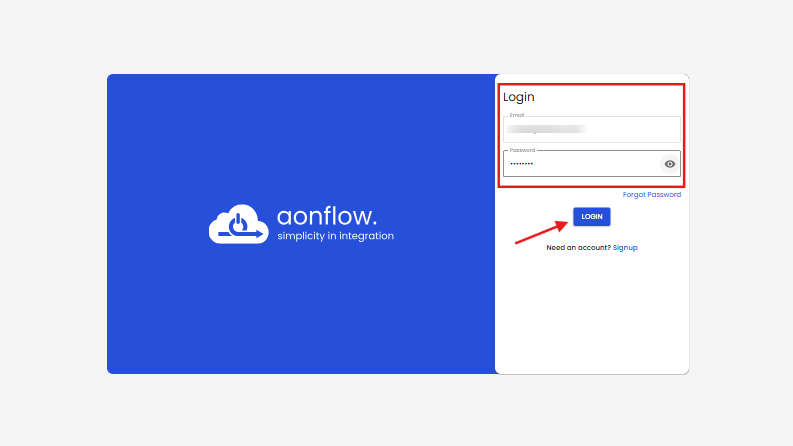
- On the Login page, enter your login credentials such as your registered email address and your associated password. Type in your email and password carefully.
- After filling in your credentials, click the LOGIN button on this page.
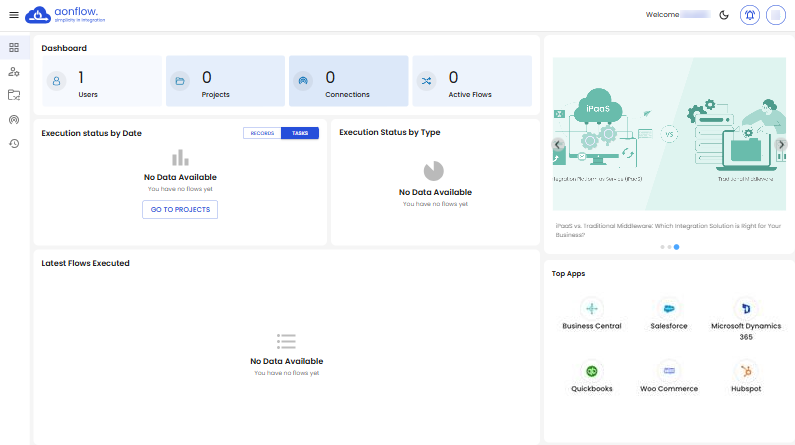
- Once you are logged in successfully, you will be redirected to your Dashboard.
If you are logging In through the Aonflow homepage by clicking on the Sign In link, you will be redirected to the Login page.
Got a question? Contact Support